Email
Phone
Our Minecraft Education program turns your child’s favorite game into a learning adventure. Kids enhance their algorithmic thinking, creativity, and teamwork while coding, building, and solving challenges in immersive online sessions.
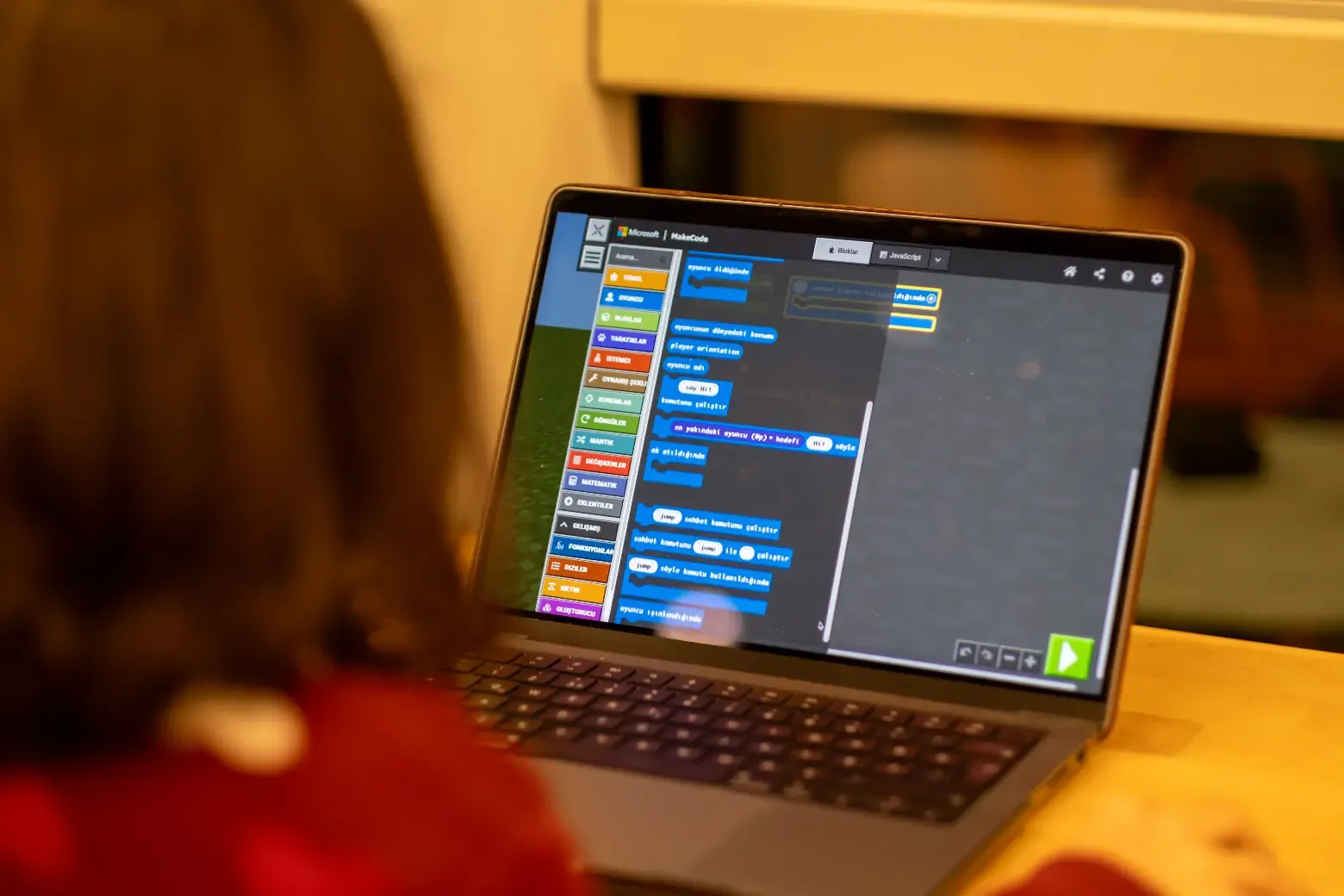
Designed for children aged 8–14, this program uses Minecraft Education Edition to teach coding concepts through creative play. Students complete structured challenges, build virtual worlds, and collaborate in real-time, learning logic, design, and problem-solving in one experience.
Ages 8–14
32 weeks · extendable with continuation levels
1-hour live online class per week
4–6 students by age
32 lessons
First trial lesson is free
Weekly progress report + lesson recordings
Awarded on program completion
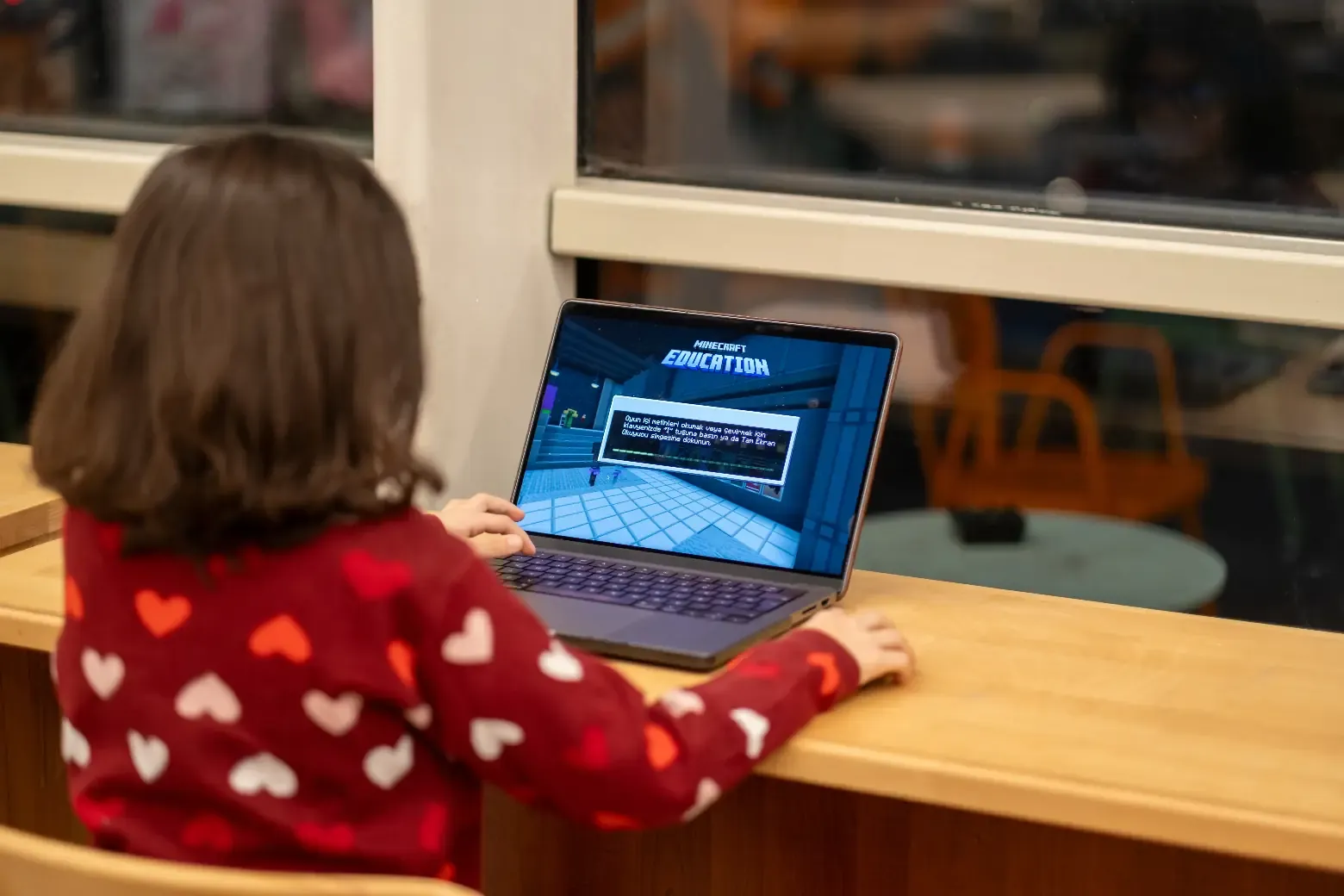
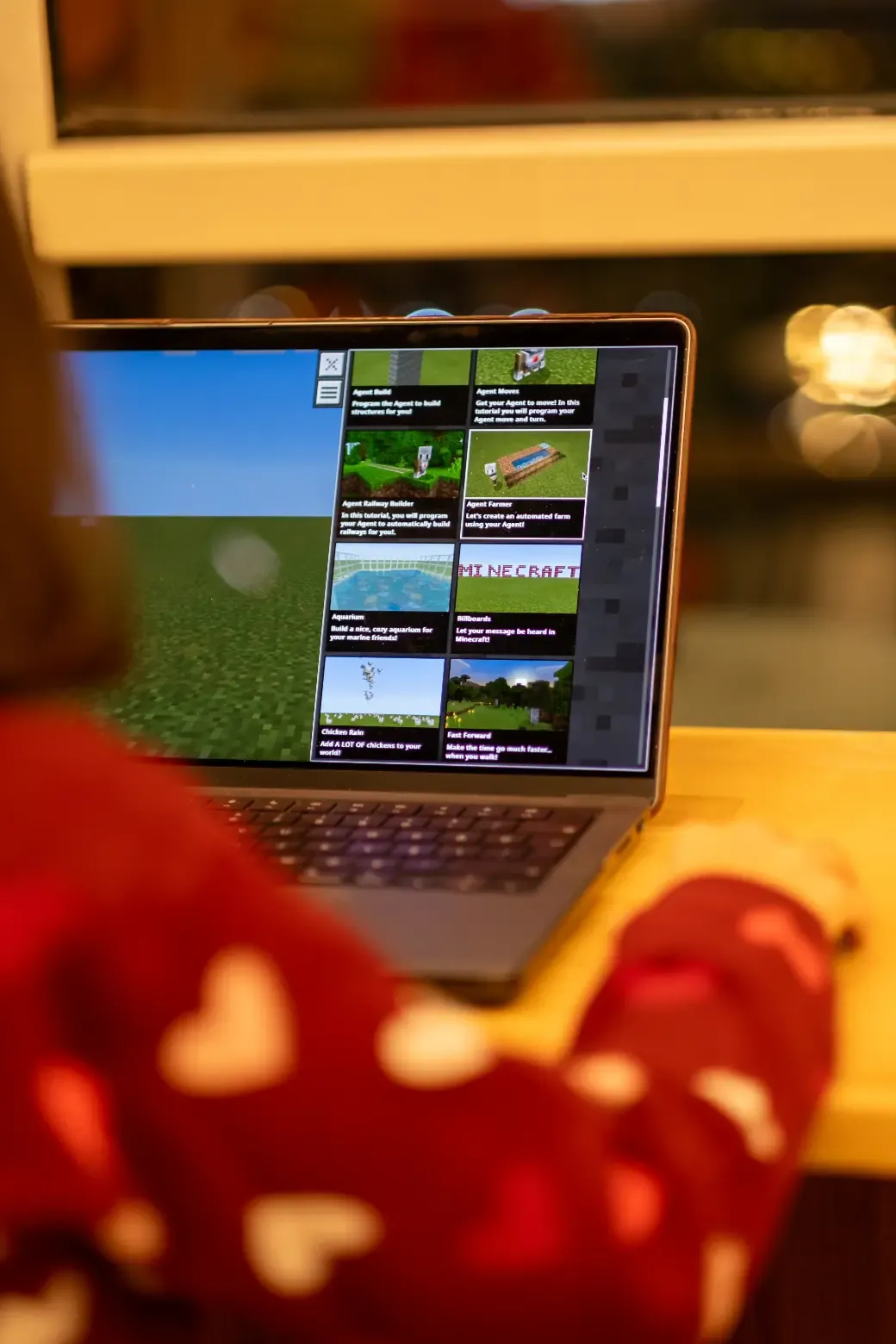
Kids start coding in a world they already know. The difference is this: instead of placing blocks by hand, they now write the code that places the blocks. They command a helper called the Agent to build walls, dig tunnels and make decisions based on what is in front of it. They move from playing the game to programming it.
The hardest step in teaching coding, making the child love the tool, is already solved in Minecraft: motivation comes built in. Classes use Minecraft Education, the version of the game built for schools: closed and safe classroom worlds, maps designed around each lesson’s goal, fully independent from any personal game account at home.
The program consists of 8 modules and 32 lessons, about 8 months at one lesson per week, taught entirely with block-based coding (MakeCode). Every module closes with a finished game: kids show what they learned with something they can actually play.
It starts with setup and the MakeCode interface; kids give the Agent its first commands. They build loop and condition logic while creating Parkour and Hide-and-Seek games; variables, random numbers, timers and on-screen text all arrive at this stage.
Things get more sophisticated. Rock-Paper-Scissors teaches functions and nested conditions, Target Practice brings arrays and coordinates, and Dunk Tank introduces function parameters and return. Then each child designs their own game idea and presents it to the class, walking the full path from idea to working game for the first time.
After the Hour of Code activity, the class builds an entire village with code: a function that builds houses, a square and roads laid out with coordinates, a market with a coded shopping system, and a farm area. Small pieces of code combine into a whole world; kids experience how big things are built from small steps.
The class builds a capture-the-flag maze where NPC teams compete. The final four lessons are devoted to the graduation project: each child designs, develops and tests their own project and presents it in the final lesson with families invited.
The program is designed for ages 8-14, with small classes split by age: at most 4 students for ages 8-11 and at most 6 for ages 12-14. For children who love Minecraft it is the most natural doorway into coding; never having played the game is no obstacle either, as the controls are learned in the first lessons.
You do not need to buy a Minecraft Education license: Kodwise provides it to every enrolled student for the duration of the program, and it works at home too, not just during class hours. No special hardware is needed; a computer and an internet connection are enough.
All classes are live and online: one day a week, one hour. Thanks to the small group, the instructor enters each child’s world in every lesson and gives one-on-one support. Lesson recordings are included in all packages.
Parents receive a weekly progress report, and kids collect their projects in their Academy space. Academy PRO access, including the Kodmigo AI assistant and unlimited projects, stays open outside class hours as well.
First comes the free trial lesson, about 45-60 minutes with no purchase obligation: the instructor meets your child, sees their gaming and coding experience, and the right age group is confirmed together. Then your child settles into a fixed weekly class time and the journey begins.
For students who complete the block-based program, the Minecraft path can extend through two more levels: a second level where similar challenges are solved by writing Python, and an advanced level with extensive JavaScript automation projects. Each level is a separate 32-lesson program. Students can also switch to the Scratch or Python path; the plan is made with the instructor based on the child’s interests.
Every student who completes the program receives a certificate of participation named after the program; the lasting outcome is the portfolio of games they built and the graduation project they presented.
See what parents think about our programs for children aged 7-17: coding, robotics, AI and game development. Book your free trial lesson today!
Yasemin Akdeniz
"While looking for an educational program where my daughter could turn her screen time into meaningful learning, I came across Kodwise. Even from the very first trial lesson, it felt like the right choice. The quality of the instructors and the rich, well structured content are truly excellent. So glad we found Kodwise."
Ayfer Sezgin
"At first, I thought this would be just another activity to keep my child busy. But our instructor immediately made us feel comfortable, as if we had been taking lessons for years. We are now looking forward to continuing with great excitement."
Onur Özel
"After dealing with foreign platforms that relied on aggressive sales tactics, we came across Kodwise. Throughout the trial lesson, everything was completely information focused, with no pressure at all. We were very satisfied with both the instructor and the program. We are truly happy to be part of the Kodwise family."
Fatma Yörükoğlu
"We discovered Kodwise while researching ways to make our 8 year old daughter's screen time more productive. Seeing the progress she has made since the very beginning has been truly priceless."