Email
Phone
Robotics coding is the skill of describing in code how a robot senses, decides, and moves. At Kodwise this skill is not taught as a separate curriculum: it is built inside the age-appropriate Scratch, Python, Minecraft, and Unity programs through their robotics modules.
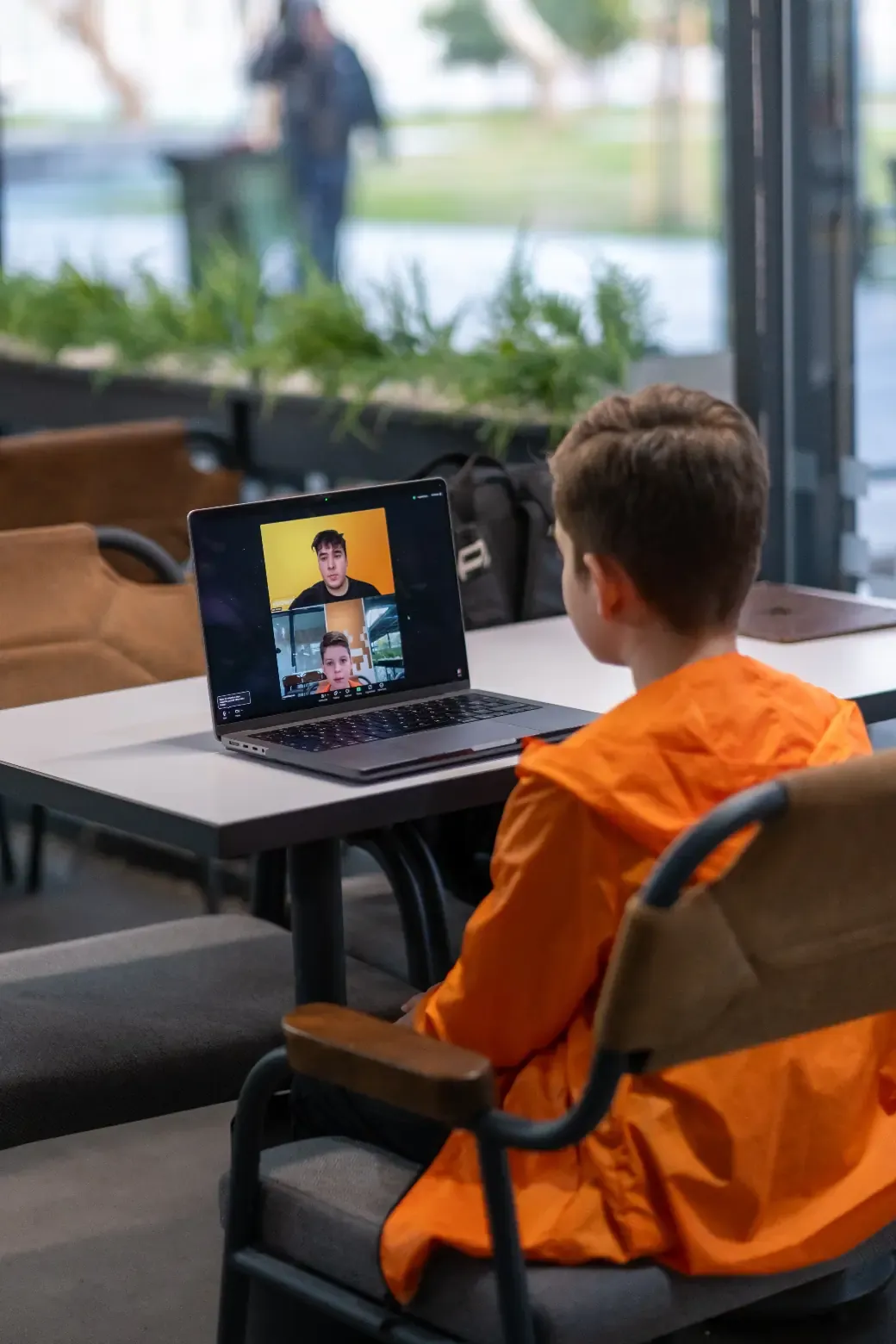
Students learn the core logic of robotic systems: how a robot senses, how it moves, and how it makes decisions. All of it is covered through coding inside the age-appropriate program; no expensive hardware is required. The best path for your child is decided together in the free trial lesson.
Ages 7–17
32 weeks · extendable with continuation levels
1 live online class per week (1 hour)
By path: max 4 on Scratch, 4–6 on Minecraft, 5–8 on Python and Unity
32 lessons
First trial lesson is free
Weekly progress report + lesson recordings
Awarded on program completion
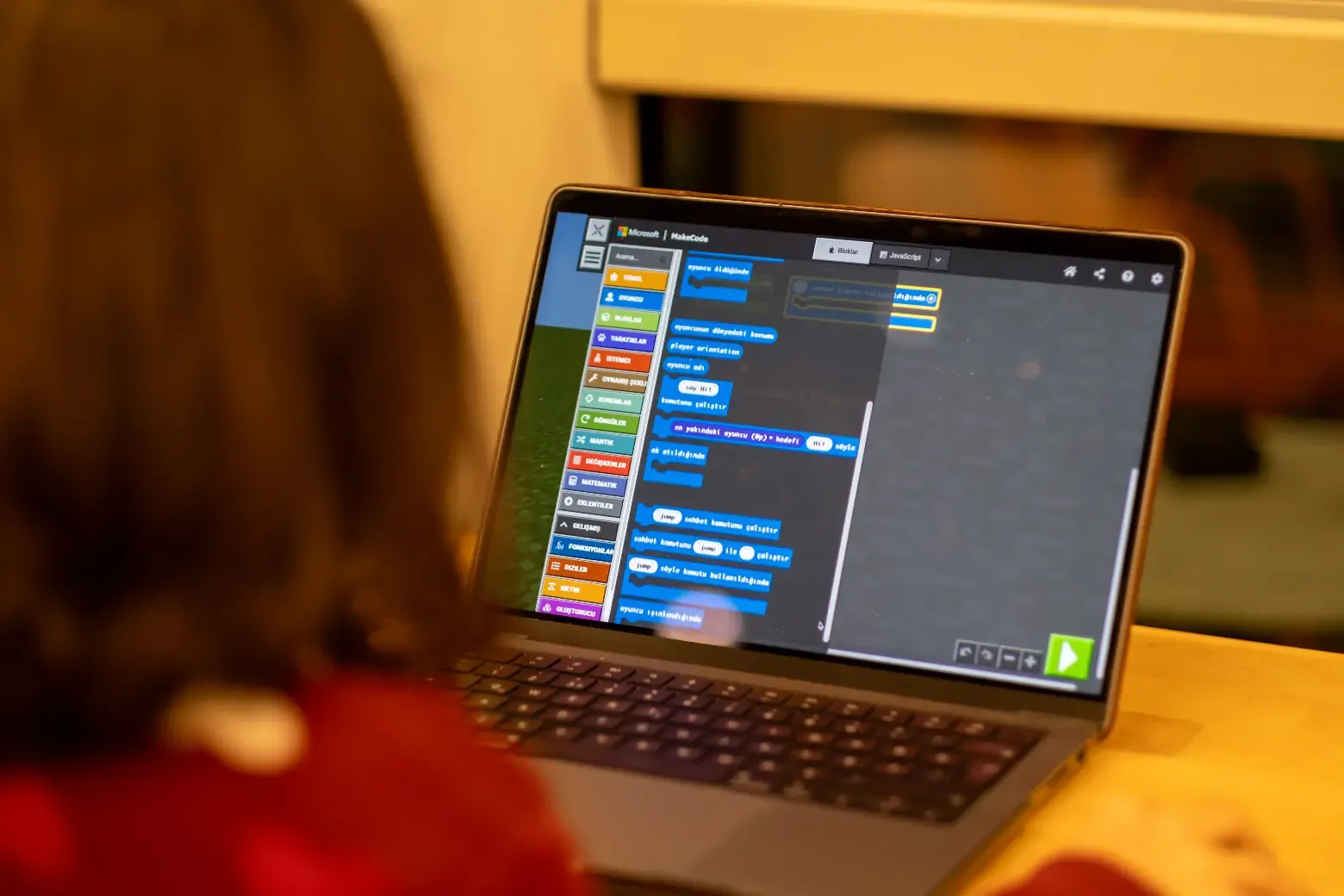
Robotics coding is the skill of writing the software behind a system that senses its surroundings and acts on what it finds. A robot has three steps: sense, decide, move. Kids build that loop in code. The part of robotics that is actually learned is not in the wires; it is in the code.
At Kodwise, robotics is not a separate class. It is taught inside the coding path that fits your child’s age, through robotics modules built into that path’s own tools. Here is exactly where robotics logic appears on each path.
Robotics logic enters through sensing blocks: “is it touching the edge”, “was a key pressed”. Kids make their character ask about its surroundings and build behavior based on the answer. The first module closes with their own Maze Game; a character that senses a wall and changes direction is the most fundamental form of robotic behavior. The second module brings message passing between characters and working with clones: multiple units communicating.
On this path kids genuinely program a robot: the Agent. The Agent moves on command, places blocks, digs, and checks the block in front of it. In the early modules the Agent is commanded with loops and conditions. In modules five and six, kids write functions that make the Agent build houses and lay out a village with coordinates. In modules seven and eight, they build a capture-the-flag maze where NPC teams compete.
Text-based automation starts here. In the third module kids draw with code using Turtle, which works like a command-driven pen and is a classic first tool of educational robotics. In the fourth module they code keyboard control and collision detection with Pygame: reading input and sensing obstacles.
The most advanced level. The first module works with the physics engine: gravity, mass and collision detection. In the third module kids code enemy AI that finds its own path with NavMesh: a unit reading the map and navigating to a target on its own, which is autonomous navigation itself.
The right path is chosen together in the free trial lesson, based on age, experience and interests.
You do not need to buy any robotics kit, board or hardware; all the work happens in the browser, inside the coding programs. The reason is simple: what robotics teaches is not the hardware but the logic. Reading a sensor, deciding on a condition and debugging behave exactly the same in simulation as on a physical robot.
If your child already has a kit at home, trying what they learn on it is a nice bonus, but never a requirement. If you are considering buying one, we suggest reversing the order: first the logic, then the hardware once the interest has proven itself.
Whichever path is chosen, the format is the same: all classes are live and online, one day a week, one hour. Small groups mean the instructor reaches every child’s screen in each lesson and gives one-on-one support. Lesson recordings are included in all packages, and parents receive a weekly progress report. Academy PRO access, with the Kodmigo AI assistant and unlimited projects, is included for the duration of the package.
First comes the free trial lesson, about 45-60 minutes with no purchase obligation: the instructor meets your child and you decide together which of the four paths is the right start. Then your child settles into a fixed weekly class time and the journey begins.
Once the robotics mindset takes hold, the road branches and grows: from Scratch to Python, from Minecraft to its advanced levels, from Python to AI & Data Science or to game development with Unity. Every completed program brings a certificate of participation named after the program; the real accumulation is the portfolio of projects where the child built the sense-decide-act loop themselves.
See what parents think about our programs for children aged 7-17: coding, robotics, AI and game development. Book your free trial lesson today!
Yasemin Akdeniz
"While looking for an educational program where my daughter could turn her screen time into meaningful learning, I came across Kodwise. Even from the very first trial lesson, it felt like the right choice. The quality of the instructors and the rich, well structured content are truly excellent. So glad we found Kodwise."
Ayfer Sezgin
"At first, I thought this would be just another activity to keep my child busy. But our instructor immediately made us feel comfortable, as if we had been taking lessons for years. We are now looking forward to continuing with great excitement."
Onur Özel
"After dealing with foreign platforms that relied on aggressive sales tactics, we came across Kodwise. Throughout the trial lesson, everything was completely information focused, with no pressure at all. We were very satisfied with both the instructor and the program. We are truly happy to be part of the Kodwise family."
Fatma Yörükoğlu
"We discovered Kodwise while researching ways to make our 8 year old daughter's screen time more productive. Seeing the progress she has made since the very beginning has been truly priceless."