Email
Phone
Our Unity Game Development program teaches kids aged 10 and above to design and build real games using Unity and C#. Through live online sessions, students explore logic, physics, and creativity while mastering the world’s most popular game engine.
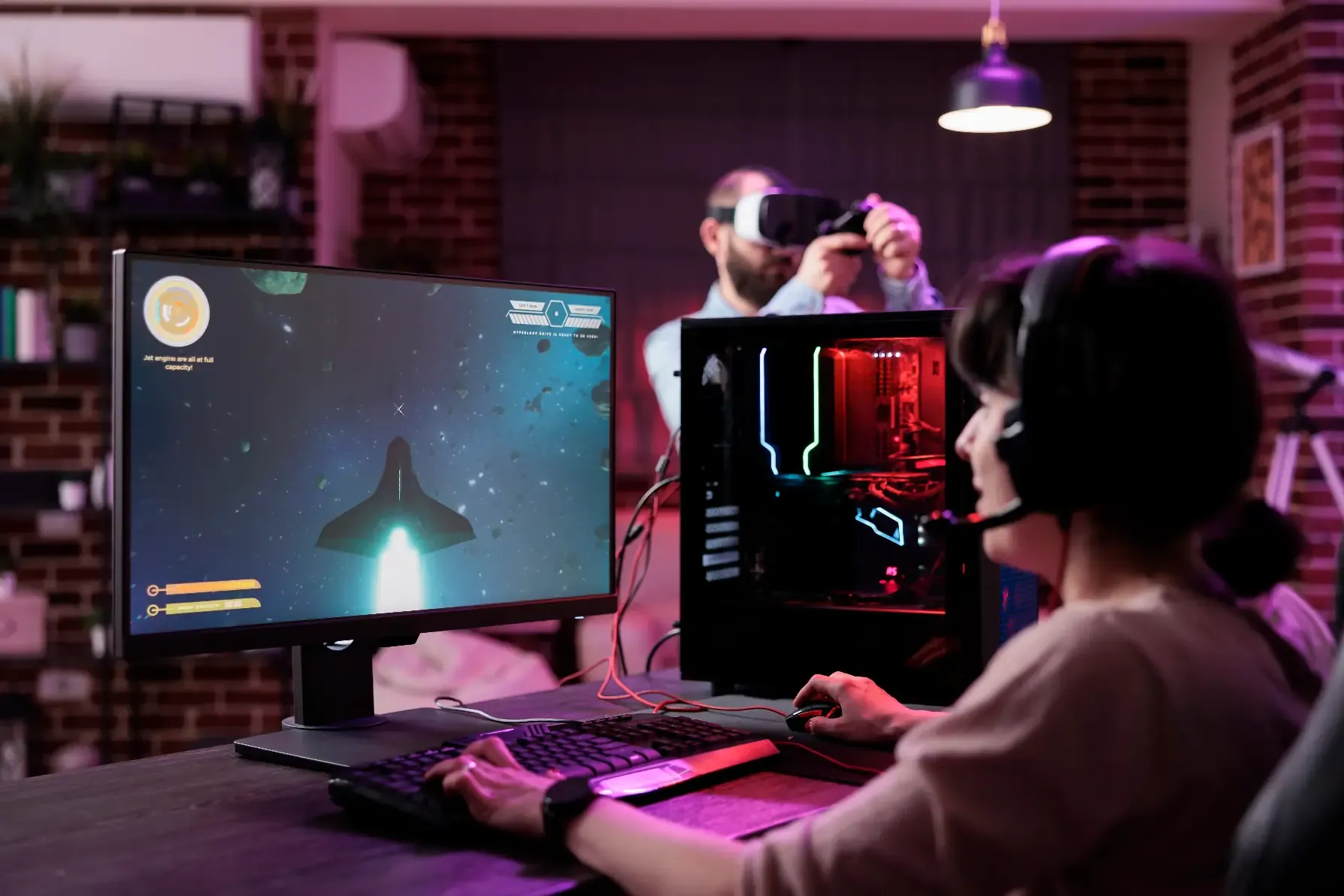
While building their own game worlds, students learn how coding, math, physics, and creativity come together. Guided by expert instructors, each child gains hands-on experience in software development, problem-solving, and digital design.
Ages 10+
32 weeks · extendable with continuation levels
1-hour live online class per week
5–8 students by age
32 lessons
First trial lesson is free
Weekly progress report + lesson recordings
Awarded on program completion
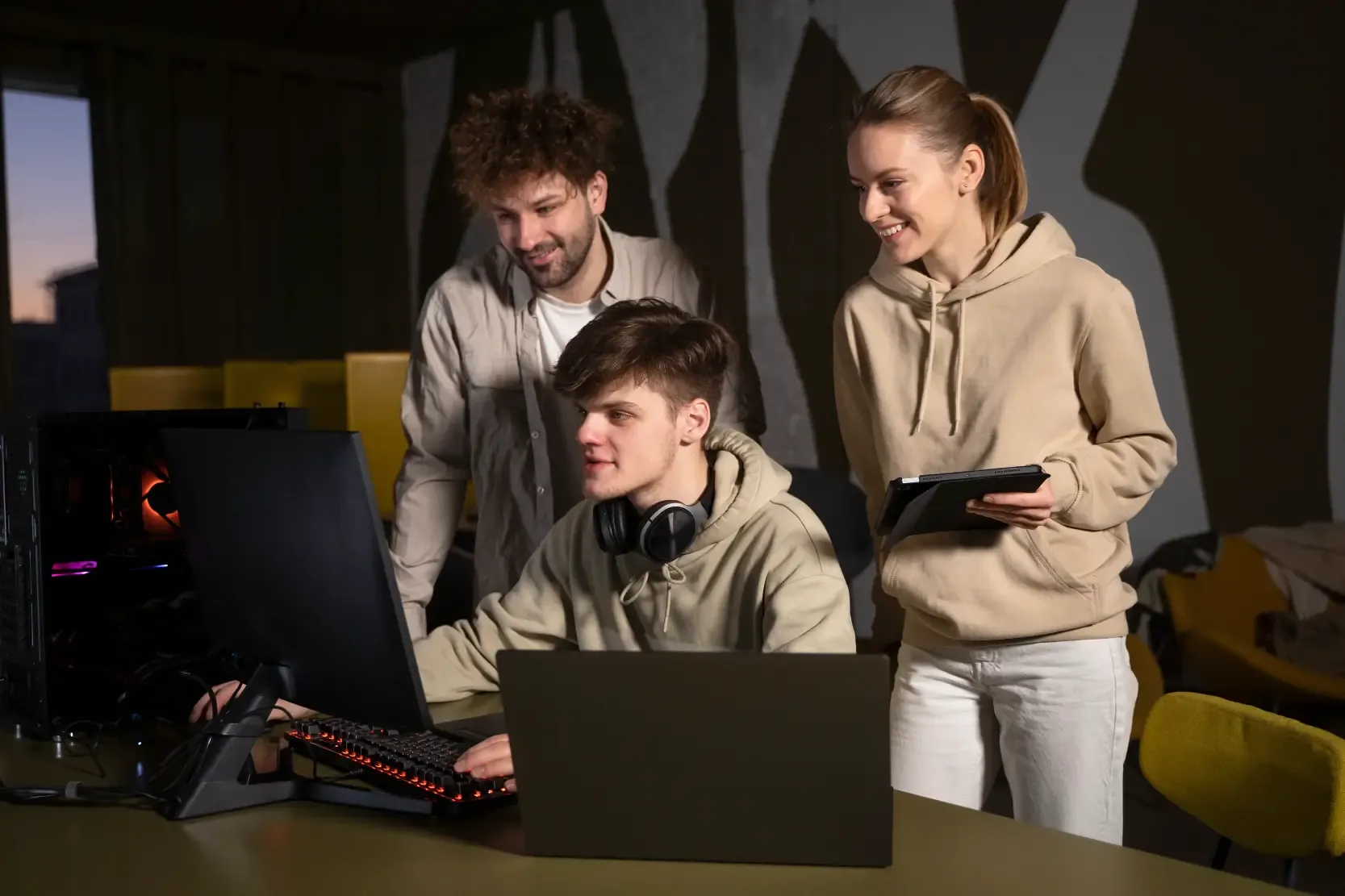
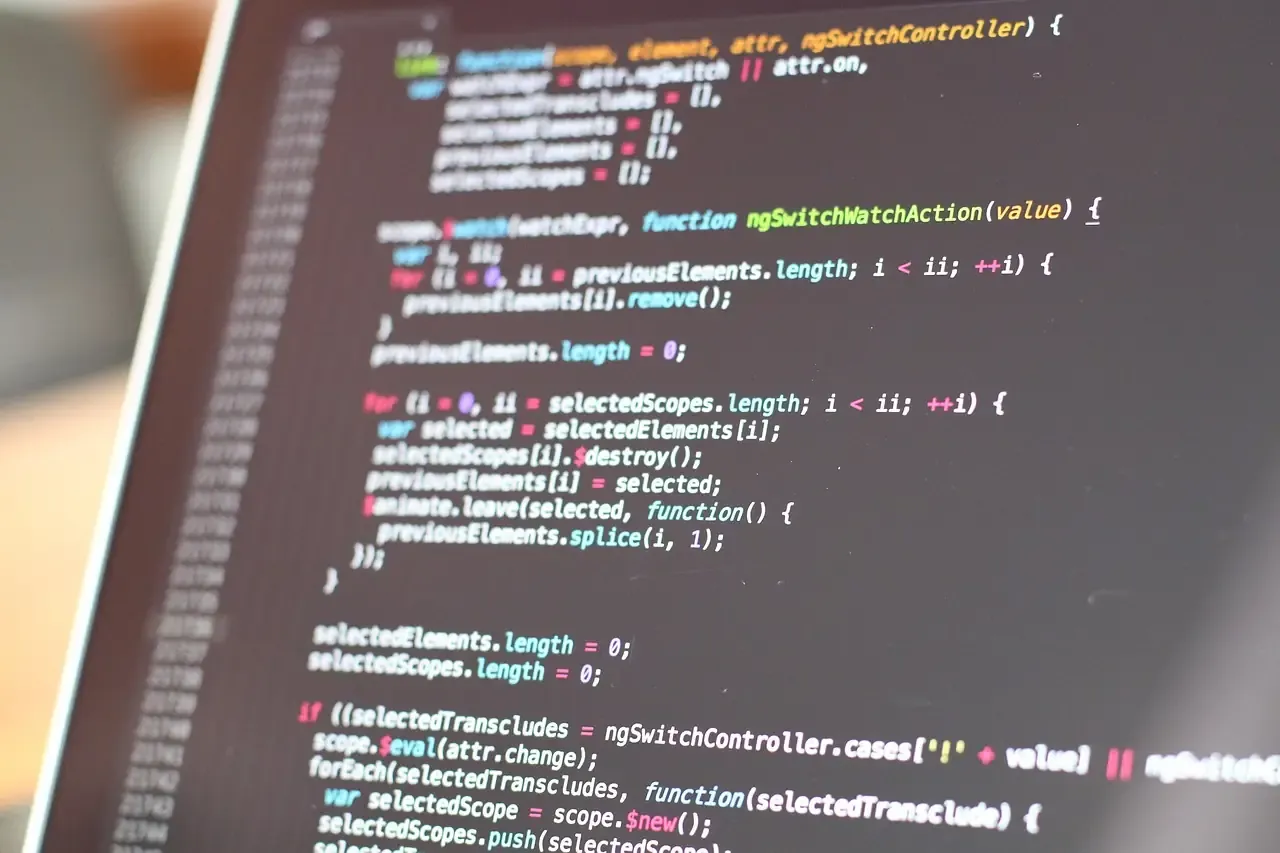
Unity is not just a game engine; it is a professional tool also used in animation, architectural visualization, automotive and film production. Here, kids are not using a ready-made simulator: they build a world whose rules they write themselves, and they define those rules in C#.
That is the difference of this program: the tool and the language are the very same ones real game studios use. There is no “kids’ version”; there is real Unity and real C#, taught through age-appropriate projects. For a child who loves playing games, this is the most exciting step from consumer to creator.
The program consists of 4 modules and 32 lessons, about 8 months at one lesson per week. The road runs from building a scene to publishing their own game.
Positioning and scaling objects, materials and shading, gravity and collisions with the physics engine, lighting and camera angles, first animations with the Animator. By the end of the module each child has built their own scene and seen the backstage of game worlds from the inside for the first time.
C# begins. Kids move a character with the keyboard, make the camera follow it, add a UI, build a score system with collectible objects, a health system and sound. The module closes with a working first game prototype: something playable, coded by the child, on screen.
Things advance: 2D physics, depth with parallax scrolling, particle effects, enemy AI that finds its way with NavMesh, multi-level management and saving game data. Kids learn how the “smart” enemies and level transitions in the games they play are actually built.
The fourth module is devoted entirely to the final project. Each child plans their idea, builds the systems, tests with classmates, improves with feedback and exports their game as a standalone application. The final lesson is a project showcase; the outcome of eight months is a real game others can play.
The program is designed for ages 10 and up, with classes split by age: at most 5 students at ages 10-11, at most 6 at ages 12-13, and at most 8 at ages 14-17. It is the right home for kids who love games and have started asking “how would I build this myself?”
Children coming from the Scratch, Minecraft or Python paths carry their logic into a real engine here; readiness and the right starting point are assessed together in the free trial lesson.
All classes are live and online: one day a week, one hour. Thanks to the small group, the instructor gets into each student’s project in every lesson and provides one-on-one support. Lesson recordings are included in all packages.
Parents receive a weekly progress report. Academy PRO access is included for the duration of the package: the Kodmigo AI assistant and unlimited project space stay open for the curious moments outside class.
First comes the free trial lesson, about 45-60 minutes with no purchase obligation: the instructor meets your child and sees their gaming and coding experience. Then the right age group is confirmed, your child settles into a fixed weekly class time, and the journey begins.
Students who complete the program receive a certificate of participation named after the program, and something even stronger: a published game and the C# codebase behind it. That portfolio is a real reference both for a teenager who wants to keep developing games and for one who later heads toward software in general. How the road continues, whether a new program or deeper specialization, is planned with the instructor at the end of the term.
See what parents think about our programs for children aged 7-17: coding, robotics, AI and game development. Book your free trial lesson today!
Yasemin Akdeniz
"While looking for an educational program where my daughter could turn her screen time into meaningful learning, I came across Kodwise. Even from the very first trial lesson, it felt like the right choice. The quality of the instructors and the rich, well structured content are truly excellent. So glad we found Kodwise."
Ayfer Sezgin
"At first, I thought this would be just another activity to keep my child busy. But our instructor immediately made us feel comfortable, as if we had been taking lessons for years. We are now looking forward to continuing with great excitement."
Onur Özel
"After dealing with foreign platforms that relied on aggressive sales tactics, we came across Kodwise. Throughout the trial lesson, everything was completely information focused, with no pressure at all. We were very satisfied with both the instructor and the program. We are truly happy to be part of the Kodwise family."
Fatma Yörükoğlu
"We discovered Kodwise while researching ways to make our 8 year old daughter's screen time more productive. Seeing the progress she has made since the very beginning has been truly priceless."